In this guide
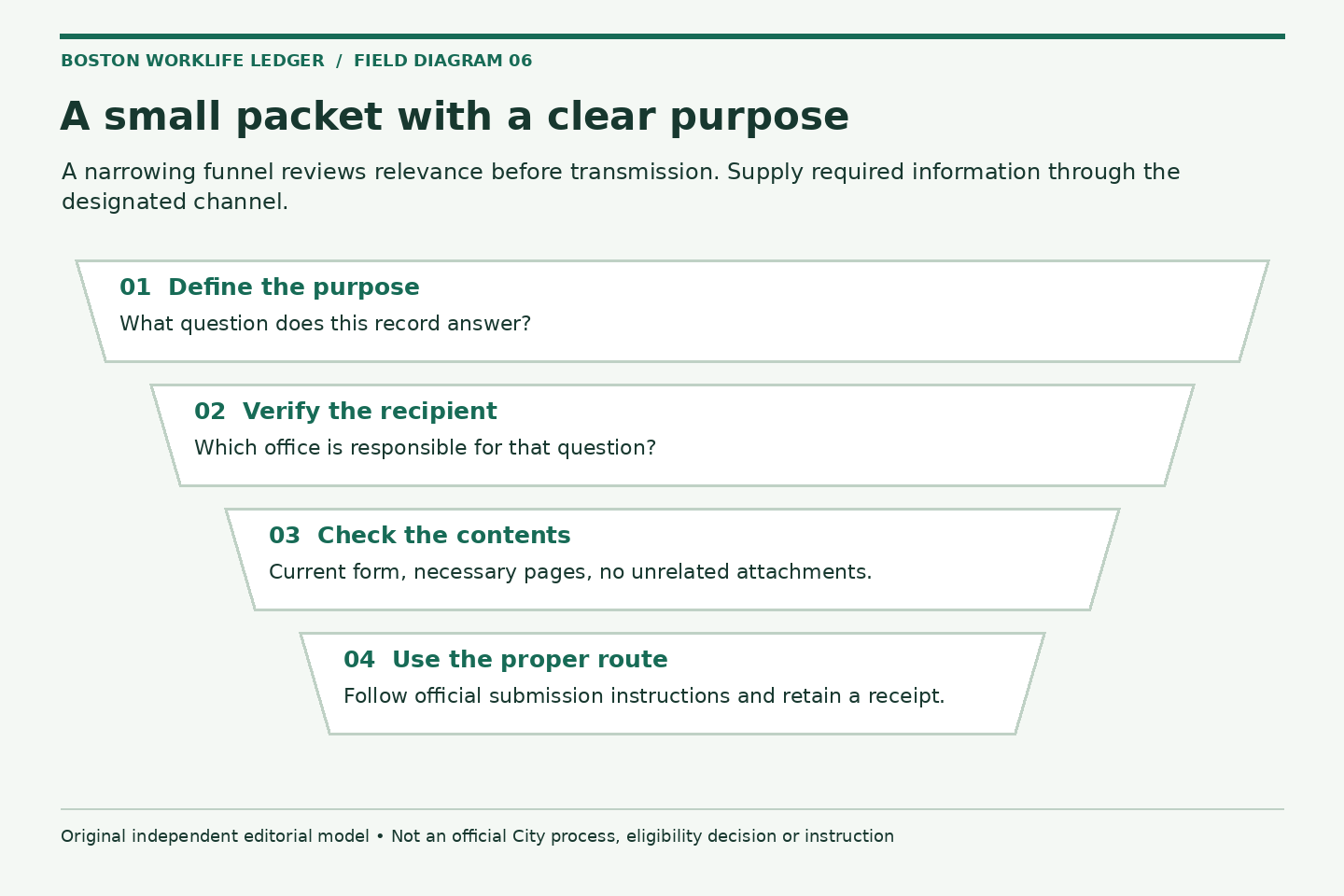
Administrative clarity and privacy often support each other. A small packet with a clear purpose is easier to review than a large folder of unrelated records. The aim is not to withhold required information. It is to identify what the receiving office actually needs and send it through the appropriate channel.
Official resources were reviewed October 2, 2026. The City EAP page specifically asks people to minimize email content for privacy. Other processes have their own requirements. Confirm those requirements with the responsible office rather than applying one program’s instructions to every request.
Use a purpose-and-recipient check
Before attaching a document, complete this sentence privately: this record is being sent to this office to answer this question. If the sentence is vague, ask for routing or document instructions first.
Check whether the recipient is the administrator, a supervisor coordinating work, a technical support team, or another office. These recipients may need different information. A team handoff usually needs operational facts; a designated review process may need supporting records.
Make a packet index without exposing the packet
An index can list document type, version, page count, purpose, and submission status. It should not reproduce full identification numbers, bank details, diagnoses, or private information about family members. Keep actual documents in the appropriate location rather than embedding them in a general task list.
If an official form requires sensitive fields, use its approved completion and transmission process. Never put passwords or one-time codes into an HR message. Do not use this publication’s contact form, comment area, or interactive checklist to submit private employee records.
Pre-send checklist
- Recipient and purpose verified through an official source
- Current form and requested attachments identified
- Every attachment opened to confirm the correct version and pages
- Unrelated screenshots, duplicate records, and accidental attachments removed
- Approved submission channel used and receipt retained privately
Do not alter an official record or remove required content on your own. If a document includes unrelated sensitive information, ask whether a narrower record or permitted redaction will satisfy the request. Keep the original intact and follow the receiving office’s instructions.
A hypothetical attachment review
Imagine an employee drafts an inquiry about a payroll line and has a full paycheck, a medical document, and a benefits confirmation open. The employee first asks what the payroll contact needs, then sends only the relevant material through the designated method.
The medical document is not attached merely because the paycheck question arose during a leave. The employee keeps a private record of what was sent and to whom. This example illustrates relevance checking, not a universal rule that payroll never needs supporting documentation.
Keep corrections traceable
If you send the wrong attachment, promptly use the organization’s appropriate reporting or support process. Do not assume that deleting the message from your own mailbox removes the recipient’s copy. Record the mistake factually and follow official instructions.
For a narrow accuracy issue, the dependent record audit shows how to describe one disputed field. For initial routing, the official-resource guide helps distinguish a general question from a submission that requires private records.
Close with a lean record
After the process is complete, retain the official response and necessary supporting evidence in an appropriate private location, following applicable retention instructions. Remove unnecessary working duplicates through an approved method. A clean record should explain the request and outcome without exposing an entire personal history to anyone who only needs a status update.
Related reading: Audit dependent records without building a household dossier, Find the right official resource before opening a service request.